Official Gemini App for Windows Now Available for Download
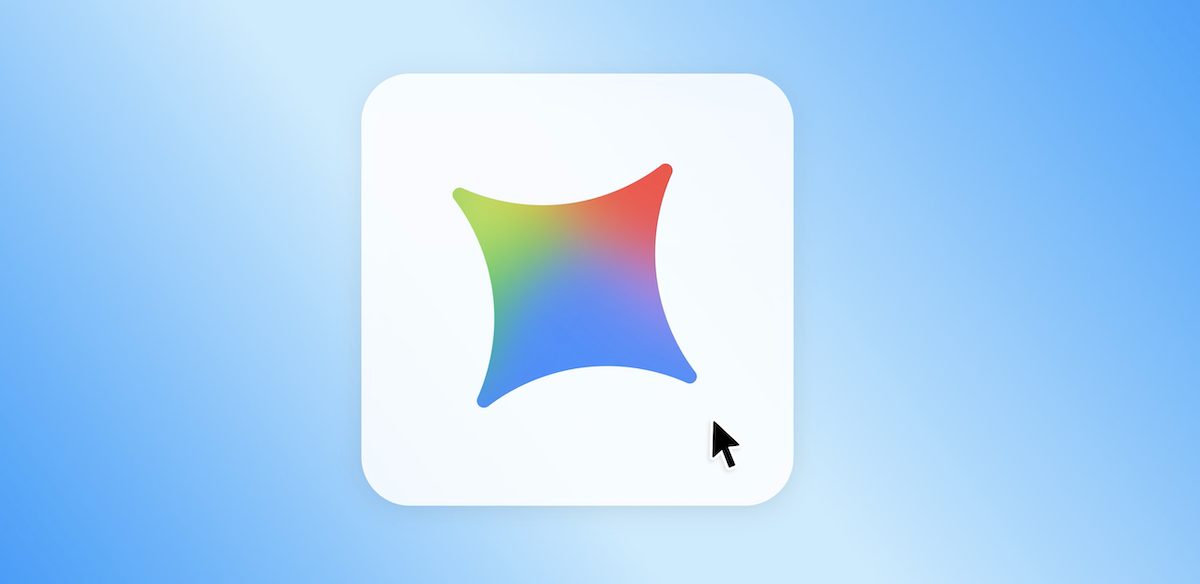
Google has officially announced the release of a native Gemini desktop app for Windows 10 and 11, giving PC users instant access to AI features via a simple keyboard shortcut.
Following the earlier release of the native macOS app, Windows users can now run Google’s artificial intelligence directly on their desktop without needing to open a web browser first.
The main feature of the new application is quick access. Users can press Alt + Space on their keyboard to instantly call up Gemini over top of any open application. The floating window is designed to let people ask questions, look up quick information, or rewrite text without breaking their current workflow or switching between active browser tabs.
The Windows application brings the core Gemini web experience straight to the desktop desktop environment. Users can draft emails, summarize long documents, create outline ideas, and debug code right from the app interface. It supports multimodal inputs, meaning users can upload files, paste documents, or share images directly into the chat window to get instant summaries or detailed explanations.
In addition to standard text processing, the Windows client includes integrated media generation tools. Users can generate custom images and short video clips within the floating prompt box. The app also supports Google’s connected extensions, allowing it to pull real-time data and information directly from linked tools like Google Docs, Drive, Gmail, Maps, and YouTube.
Google says the Gemini app for Windows was built to be lightweight and run quietly in the background so it does not hog system memory or drain battery life on portable laptops. The company also confirmed that this initial release is just the start for the platform, and that it plans to roll out more native desktop capabilities to the Windows client over time.
Related Stories
 AI News
Bill Gross bets AI can help mass
2 weeks ago
 AI News
Nigeria records 93% rise in AI micro
2 weeks ago
 AI News
The Italian gelato maker using AI to invent new flavours
2 weeks ago
 AI News
Closing the Gap Between Agentic CX Pilots and Production
2 weeks ago
 AI News
New Brunswick data centre debate highlights cross
2 weeks ago
 AI News
How to Structure an AI Agent Referral Fee Agreement Between Startups
2 weeks ago
 AI News
No, AI didn’t delete a Swedish reality TV series
2 weeks ago
 AI News
There is no AI in Armageddon. Artificial intelligence is a tool, not an apocalypse
2 weeks ago