
Best Customer Support Software for Startups: A SaaS Founder's Playbook
Congrats - you've started a company. Your first users are trickling in. One customer channel has become ten, and occasional emails are starting to show up, too. You want to add a chat widget to your website so prospects can talk to you, and now you're wondering whether it's time to bring in a tool to sort it all out.
This is a blog from one founder to another. We started with a couple of customer channels - and today run well north of 500 Slack Connect channels at ClearFeed. Here's what I've learned from doing support, building support teams, and scaling them at companies with tens of millions of dollars in ARR.
I've been building startups since 2011. I was Co-Founder and CTO at Qubole, where we built a big data platform in India and grew it to over $50M in ARR before a PE firm acquired us in 2020. Since then, I've invested in and advised a handful of startups, and I'm now a Founder at ClearFeed.
We're a small startup ourselves at ClearFeed - but we've had a front-row seat to how many companies run Support, from inception all the way to acquisition. One of our early customers was Chronosphere, which Palo Alto Networks acquired for $3.35B earlier this year. We've also watched smaller firms like Teleport and Testrigor scale their support function from early-stage to late-stage. Here's what I've learned along the way.
Why Support Matters for Startups
Customers come for the product, but they stay for the service. That's not a slogan - it's closer to a mechanical truth in early-stage SaaS. The product is still rough, and the support experience is often what stands between a customer churning and one sticking around long enough for the product to catch up.
Your first customers aren't just customers - they're design partners. Support is how you co-build the product with them: every ticket, every Slack thread, and every "hey, can you also do X?" is free, real-time product research from someone who's paying you. And referrals from happy early customers matter disproportionately to a startup's growth - far more than any amount of outbound you can do at this stage.
What's changed is the shape of the job itself. Support at a startup is no longer transactional; it's no longer just about reactively closing tickets one at a time. Instead, it blends with onboarding, working through user feedback, sending product updates, and chasing renewals. Traditional Support, Customer Success, Services, and even parts of Product Marketing have merged into one giant soup, and usually one person (or three) ends up doing it all.
The channels have shifted too. For most B2B startups today, customer support starts on Slack or sometimes Teams, Discord, or Telegram, depending on who your customers are. Even at B2C startups, the people doing support (often the founders and early engineers) tend to live on Slack themselves, so that's where their muscle memory takes them.
How Support Evolves at a Startup
Support doesn't scale linearly. It moves in stages, and each stage breaks something that worked well in the previous one. Here are some distinct stages you can expect:
Stage 1 (Seed Stage): Founder-led Support. Company Size < 20. Founders and early engineers handle support themselves. There's total trust in the team and effectively zero management overhead. Early customers don't expect formal SLAs, but they do expect you to be responsive - and at this stage, you usually are, because there are only a handful of them and you're all watching the same Slack workspace. Work gets tracked directly in whatever engineering project management tool you already use - Linear, Jira, or ClickUp. This is the Seed stage, and it's the most fun support you will ever feel.
Stage 2 (Late Seed Stage to Series-A): The First Support Hire. Company Size < 50. Things are still fairly unstructured, but for the first time, founders need actual visibility into how the support function is performing - not just a gut feeling. Basic metrics like response time start to matter. Enterprise buyers begin showing up, and some of them prefer email over Slack; a few ask for a customer portal. A structured knowledge base and a documented SOP become necessary, not optional. This is when you're ready for your first real support tool.
Stage 3 (Series-B): Building a real Support team. Company Size < 150. Enterprise customers now reach out across multiple channels, and ad hoc approaches no longer work - you need formal tooling and processes. You hire your first Support manager, and they hire several more people. Your support tool now has to do more: scale to handle multiple people working the same queue, produce structured performance reports, enforce SLAs, and, increasingly, use AI to automate responses and resolutions so that cost and complexity don't explode as ticket volume climbs.
At this stage, you are no longer just buying a helpdesk; you are building a reliable customer support infrastructure that can handle high ticket volumes without sacrificing speed, ownership, or customer context. Note that graduating to this stage doesn't mean cutting founders and early engineers out; many of them keep working directly with the key users that matter most.
Stage 4 (Series-C and later): The Global Desk. Company Size > 150. You go 24/7, with support teams in multiple time zones, and hire a global Head of Support. Congratulations - you've made it to the big leagues. Since this blog focuses on startups, we won't dwell on this stage!
How To Choose a Customer Support Platform for Your Startup
This question becomes urgent around the Stage 1-to-Stage 2 transition. Do you go with a well-known name like Zendesk or Intercom? Or one of the newer tools built specifically for how B2B teams actually work today - like ClearFeed or Pylon? What should you be optimizing for?
At the same time, you don't want to pick a tool you'll outgrow in a year. Ideally, your first support tool should remain the right choice well into Stage 3, if not Stage 4. That means also looking for:
Finally, pick a tool that's likely to still be around a couple of years from now. Unless you're deliberately testing something disposable, don't bet your support stack and your entire customer conversation history on a six-month-old tool that may not exist by the time you raise your Series B.
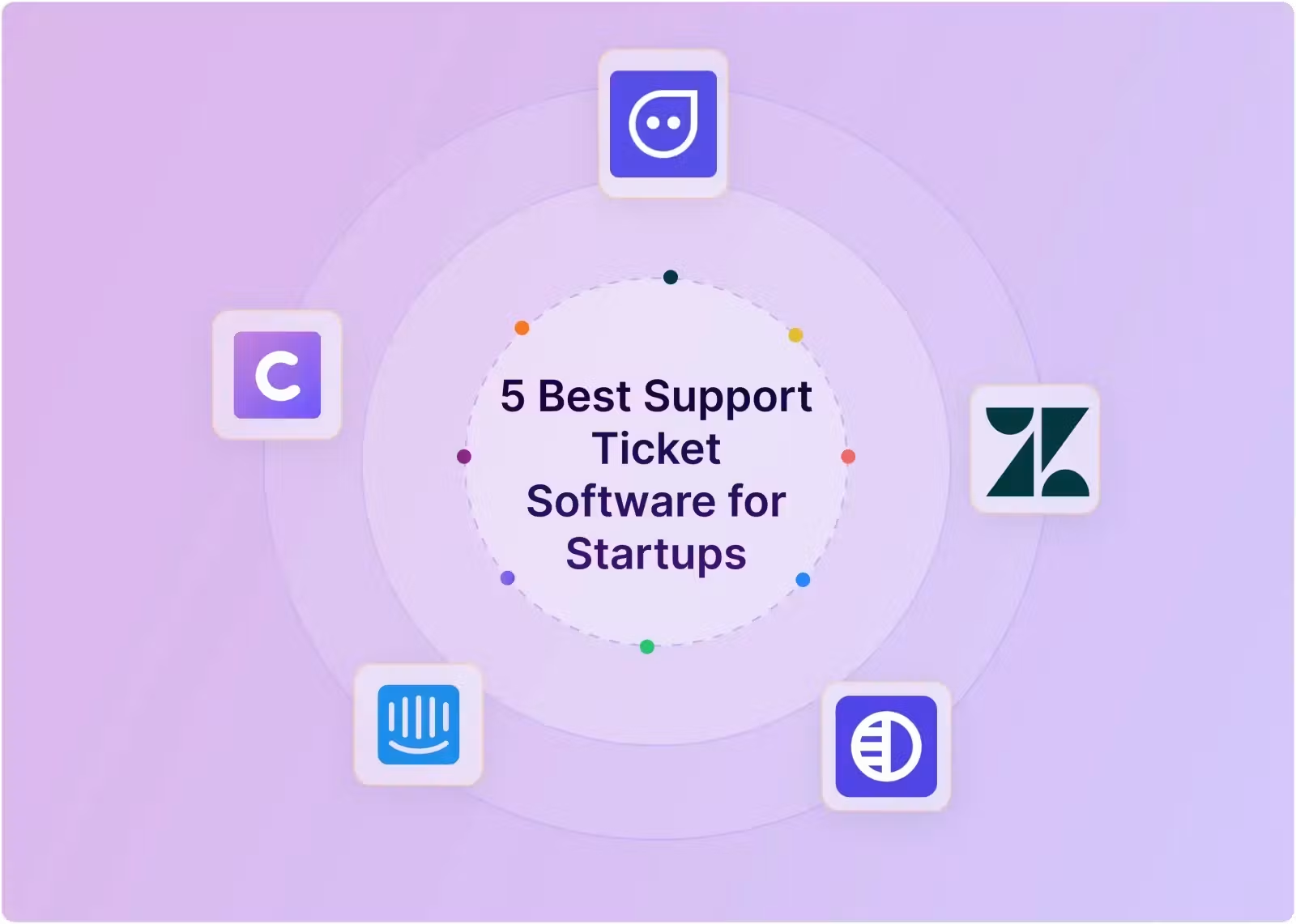
Best Support Ticket Software for Startups: Five Tools To Consider
There is no single best support ticket software for every startup. The right choice depends on whether customers contact you through Slack, email, or web chat; how many teammates need to participate; and how much ticketing structure you need today.
I'll be upfront about the obvious: I run ClearFeed, so take that into account. That said, I've tried to pick five tools here that specialize in different kinds of companies, rather than assemble an exhaustive "top 10" listicle. That's also why you won't see Freshdesk, Front, or Help Scout on this list - they're all perfectly good tools, but none is meaningfully superior to the ones below on any specific axis. Freshdesk, for instance, is close enough to Zendesk that choosing between them is mostly a pricing exercise rather than a strategic one.
One more scoping note: this list is aimed squarely at Stage 1-3 - a small team picking its first real support tool. If you're past Stage 3 and evaluating platforms at global scale, larger teams, complex account hierarchies, and enterprise procurement, we've done a deeper comparison of enterprise B2B support platforms. With that context, here are 5 tools we would suggest considering:
What people love about it - A mature tool with great UX and live chat widget. Generous upgrade plan for startups and now also includes a Slack connector to create tickets automatically from Slack. Will scale with you well past Stage 2
On the downside: No usage-based pricing. Traditional agent based model is ill suited for collaborative support. And the Slack support masks weakness for other chat mediums - like Teams, Discord or Telegram. While Intercom has a brilliant interface - Agents can't reply to tickets from Slack - it's a read-only interface, not a Slack-native ticketing experience. The Per-resolution AI pricing also gets expensive fast at any real volume
Unlike older tools - ClearFeed was built specifically for Slack and Teams which is increasingly where B2B support has moved. It allows support teams to work out of Slack entirely - reply, close or post internal comments - all from centralized Slack triage channels. It offers an Unlimited-agent subscription that is a great fit for setups where everyone is supporting customers and AI is usage-based, not resolution based and hence way more affordable.
On the downside - as a younger tool - it lacks more sophisticated functionality like multi-brand support, knowledge bases with access control and workload management beyond the basics.
No one ever got blamed for buying they say. Something similar applies to Zendesk for Customer Support. It’s a mature and established product, a safe default choice. Very robust for email-based ticketing, portals and knowledge-bases. With a large application ecosystem, gaps like good native support for Slack-based support, can be filled by using offerings from third-party tools like ClearFeed.
But for the modern B2B firm just starting out - there is an anachronism - the lack of Slack and Teams based support is puzzling. Other drawbacks - like lack of usage based pricing - also makes it less than ideal for cross-functional collabrative support.
Along with ClearFeed - one of the newer tools built specifically as a B2B support tool for Slack- and Teams-based support. Lets you view customer conversations inside Slack and with a rapidly growing customer base - will scales well as your team grows. Has great integration with CRMs and also Account management functionality of it’s own. A good fit where Support and Sales/CSM functions are tightly linked.
On the downside - pricing is opaque and expensive. Its not designed to work out of Slack itself and the product is not gated to sales-demos only.
What if you are serving to consumers and don’t need a sophisticated Support platform. But just a chat widget that is perfect for visitors and users on your website to chat with your team. Meet Chatlio - purpose-built for exactly one thing: a live chat widget on your website that you operate entirely from Slack. Setup takes minutes, not days. Widget quality is genuinely good - closer to Intercom's than most Slack-native tools manage. And very affordable.
Now of course - it’s just a chat widget and doesn’t offer anthing beyond that. So when you are ready to go big - you may need to upgrade to a more complete support platform.
Getting Set Up With Your First Support Platform
I'm obviously biased here, but I'd rather show you the actual mechanics than just tell you it's easy. Here's what setting up ClearFeed looks like, start to finish - most of it takes an afternoon, not a sprint.
1. Sign up and add your team to the Triage channel. Sign up at https://web.clearfeed.app - with Google, Microsoft, or email, and connect your Slack workspace. ClearFeed auto-creates a Triage channel (your team's command center) and a sample request channel with a test ticket already in it, so you can see how the workflow feels before it matters for real customers. Invite your colleagues to the Triage channel, and they're in.
2. Add your customer channel(s). Once you've kicked the tires on the test ticket, connect your real Slack Connect channels, or any customer channel you already have, to a Collection. Every message a customer posts automatically appears in Triage and is tracked as a request from the moment it lands.
3. Reply to customer requests from Triage or the web app. This is the actual job. Reply in the Triage thread, and it syncs directly back to the customer's channel - no copy-pasting, no second tool. Prefer a dashboard view? The web app shows the same requests and lets you reply from there, too; either way, everything stays in sync.
4. Set up a custom email address. Point support@yourdomain.com (or whatever you use) at ClearFeed - either by forwarding to it or by verifying your domain outright. Every inbound email becomes a ticket, threaded in Triage exactly like a Slack message.
5. Reply to the email from Triage and the web app. The motion is the same as replying on Slack: answer the thread in Triage, and it automatically goes out as an email to the customer. Your team never has to open a separate inbox.
6. Next steps: add the chat widget and let AI Agents auto-reply. Drop the web chat widget onto your site (a couple of lines of embed code), and every message a visitor sends lands in the same Triage channel as everything else. From there, point ClearFeed's AI Agent at your docs, Notion, or Confluence and it'll start drafting - or, in Virtual Agent mode, directly answering - the questions you're already fielding fifty times a week.
That's it. Slack, email, and web chat all land in one place your team already checks constantly - which is really the whole point. Best of all, your team is consistently alerted in the Triage channel about which conversations need attention.
Support is critical to Startups. It’s not glamorous (like shipping a brand-new feature) or making a viral launch video. But it’s what builds reputation, keeps customers coming back, and is foundational to building a long-term venture. I really enjoyed writing this blog and sharing my insights on the patterns we have seen and what has worked for other firms.
If you're a founder somewhere between "we have ten Slack channels and a Google group for support" and "we need a real support tool," I'd genuinely like to help your team get there. Drop us a line at support@clearfeed.ai or book a call from our website to see how we can help your team deliver fast, responsive support.
Related Stories
 Technology
Credo Technology Group Q1 Earnings Call Highlights
19 seconds ago
 Technology
NAF, AUST Explore Collaboration In Aviation, ICT, Defence Technology
1 hour ago
 Technology
What Gen Z, Millennials, and Older Adults Expect from Hotel Technology
1 hour ago
 Technology
Mark Ruffalo comments cause pushback against anti
1 hour ago
 Technology
Malaysian deep
3 hours ago
 Technology
Ukraine's ousted pro
6 hours ago
 Technology
Kristjan Port: The next tech boom needs more than wifi and a laptop
6 hours ago
 Technology
Startups and Major Corporations Join Forces as Nationwide Expansion of Renewable Energy Bidding System Faces Delays
6 hours ago